
Lens Cleaning: 6 Tips to Remove Smudges and Dust Safely
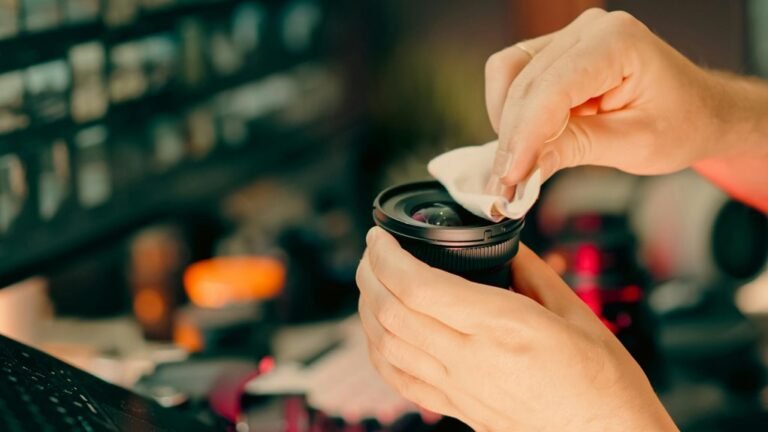
Clean your lens the safe way with 6 simple tips that help you remove dust and smudges without scratching glass or harming coatings, so your photos stay sharp and your gear lasts longer.


Clean your lens the safe way with 6 simple tips that help you remove dust and smudges without scratching glass or harming coatings, so your photos stay sharp and your gear lasts longer.
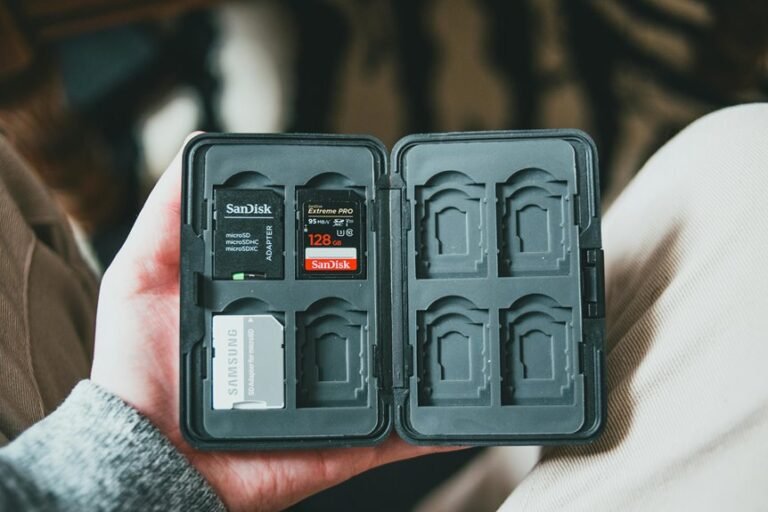
Seeing a memory card error on your camera? Here are 6 smart fixes to try first, plus the safest way to protect your photos before you make the problem worse.
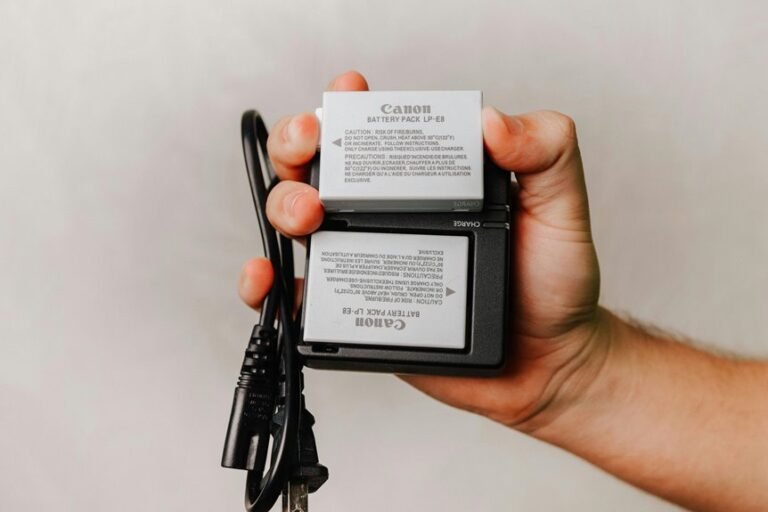
Keep your camera alive through travel days and long shoots with 10 practical battery saving tips, from cutting screen use to managing wireless features and carrying warm spare batteries.
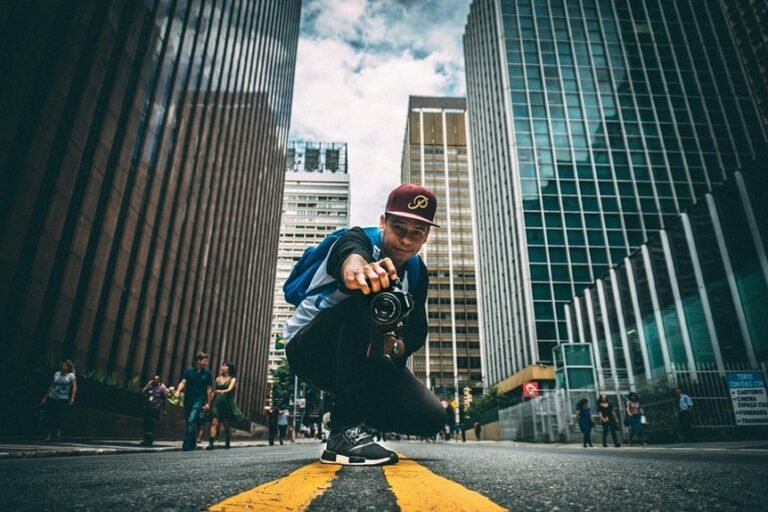
Make your photos feel more dynamic by changing your viewpoint, using foreground elements, and trying creative perspective tricks. Discover 7 simple ways to add depth, drama, and stronger visual impact to every shot.
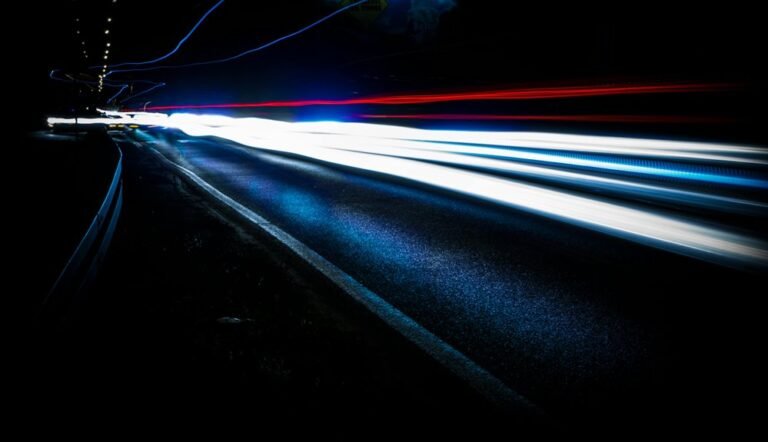
Freeze action and cut blur with the right shutter speed. Learn how to pick fast settings, balance aperture and ISO, and use burst mode or panning so your shots stay sharp and full of energy.

Learn how to fix white balance so your photos show true colors and natural skin tones, with simple tips for presets, Auto White Balance, and custom settings that work in changing light.
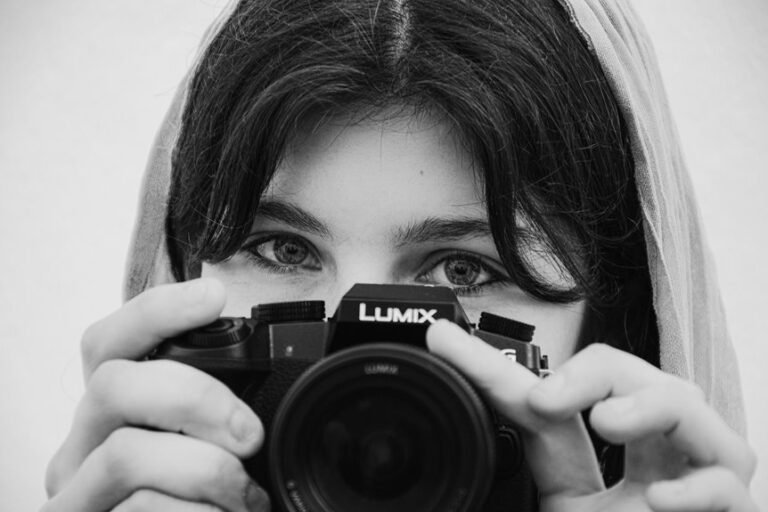
Get portraits that actually look like the person in front of you. Learn the camera settings that keep skin tones natural, eyes razor sharp, and every shot clean, flattering, and easy to edit.

Want that soft, clean background blur in your outdoor portraits? Learn the simple settings and distance tricks that keep eyes sharp, backgrounds creamy, and busy scenes beautifully out of the way.
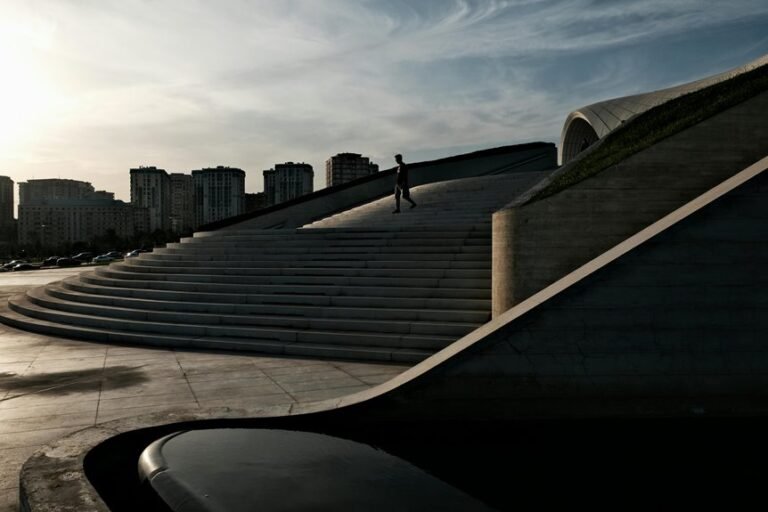
Want dramatic sunset silhouettes instead of muddy shots? Learn 5 simple steps to control light, shape, camera settings, composition, and sharpness so your photos look bold, crisp, and striking.
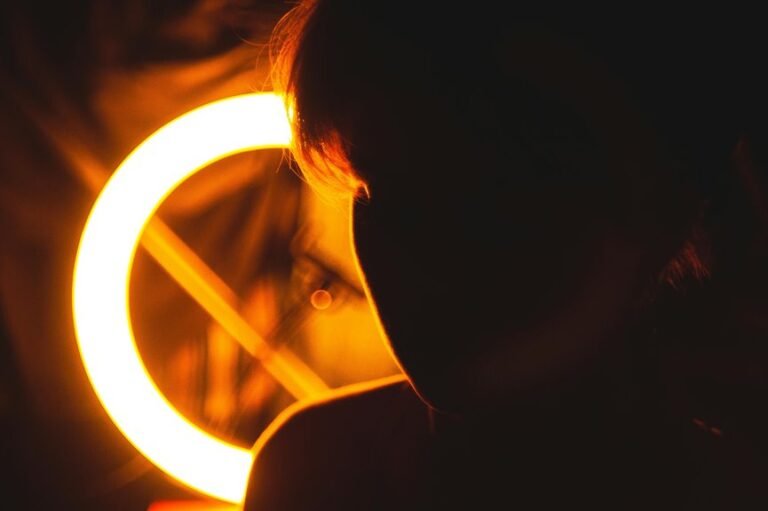
Learn how to see light, shape, and texture like a black and white photographer so you can create stronger contrast, deeper mood, and images that feel powerful from the moment you shoot to the final edit.